

Components
Switch
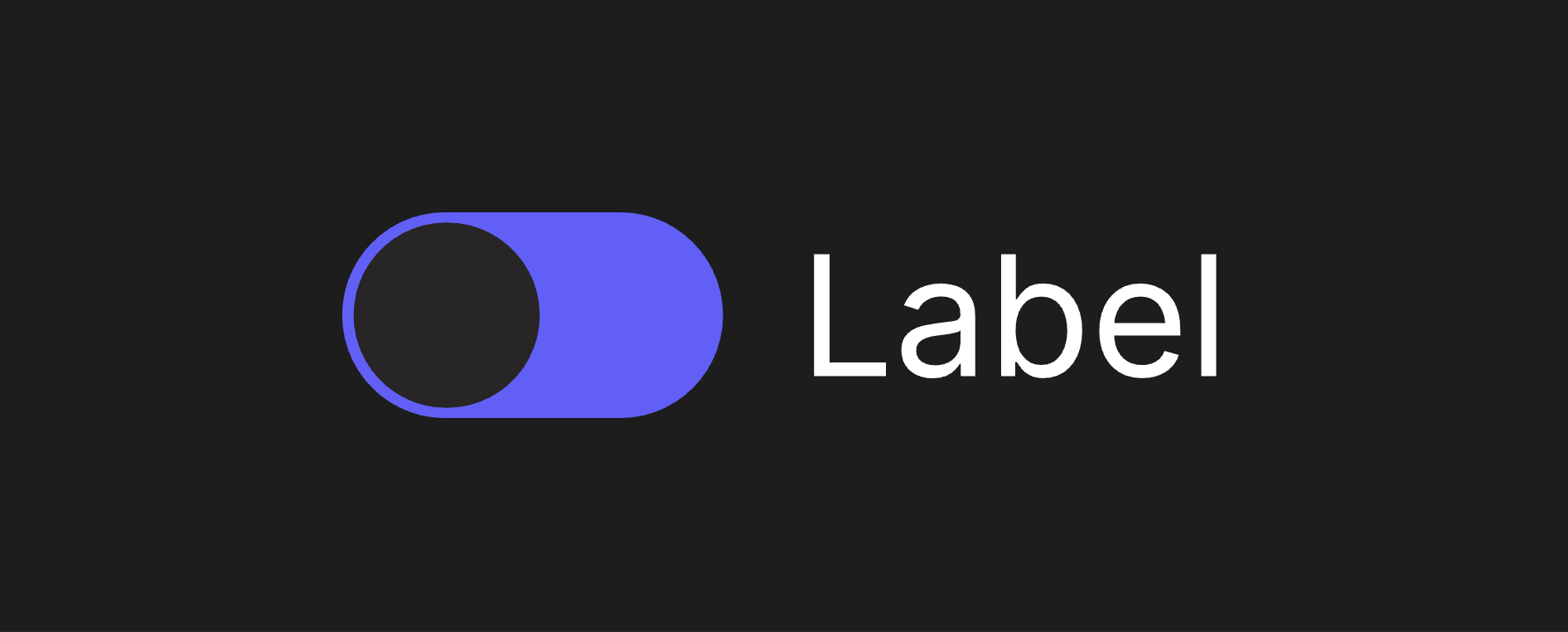
A Switch allows users to turn an individual option on or off.
Viewmodels
SwitchVM
labelArtboardartboardDetermines which component is used for the Label.
controlArtboardartboardDetermines which artboard is used to visualize the component's state.
checkedbooleanThe controlled checked state of the switch.
disabledbooleanDetermines whether the switch is disabled.
labelstringSpecifies the localized strings that identifies the component.
hoverbooleanIndicates when the pointer overlaps with the component.
directionEnumDetermines the component's left-to-right alignment.
Hierarchical Structure
switch_component
- Root - The Root of the component.
- Control - A Layout containing the Control Artboard. All Pointer functionality targets this layout.
- A component instance of controlArtboard.
- Label - A Layout containing the Label Artboard.
- A component instance of labelArtboard.
- Control - A Layout containing the Control Artboard. All Pointer functionality targets this layout.
thumb_control
- Root - The Root of the component.
- ThumbContainer - A Layout containing the Thumb Element. This Layout's alignment is used to drive its child's position.
- Thumb Element - A Rounded Layout depicting the thumb. It is roughly half the size of its immediate parent.
- ThumbContainer - A Layout containing the Thumb Element. This Layout's alignment is used to drive its child's position.
Animations
This component contains three pairs of animations, each on their own layer.
- Checked
- CheckedTrue - Indicates the Switch is On. Plays if (checked = true).
- CheckedFalse - Indicates the Switch is Off. Plays if (checked = false).
- Disabled
- DisabledTrue - Indicates the Switch cannot be interacted with. Plays if (disabled = true).
- DisabledFalse - Indicates the Switch can be interacted with. Plays if (disabled = false).
- Hover
- HoverTrue - Indicates the pointer overlaps with the Switch. Plays if (hover = true) and (disabled = false).
- HoverFalse - Indicates the pointer does not overlap with the Switch. Plays if (hover = false).
text_label
- Root - The Root of the component.
- Text Layout - A Layout containing a Text Element.
- Text - A text element. The value of its Text Run is bound to label.
- Text Layout - A Layout containing a Text Element.
Best Practices
- switch_component hugs its content. In the event you create a new control artboard for it, you may want to adjust the layout settings to ensure consistent sizing.